EXTENDED
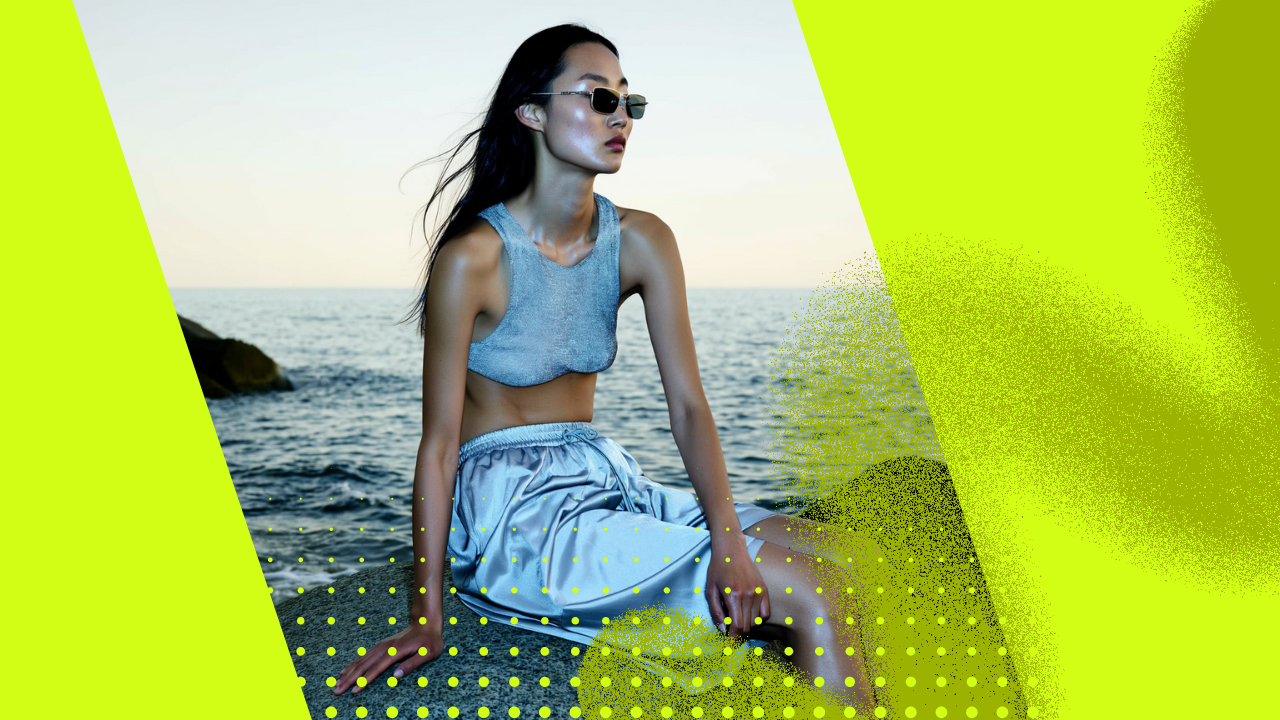
A short clip extended into a full scene with AI Video Extender, motion carried forward with no visible seam.
:no_upscale())
Extend any video seamlessly with AI Video Extender. Add natural seconds before or after, loop it, or reach the exact length you need. No reshoot, no re-render, no visible seam. Start free.
Partnering with global industry leaders to power your creativity output


AI Video Extender adds natural seconds to the start or end of any clip. Motion, lighting, and scene carry on without a visible cut. It blends new frames into your footage so the join disappears. From a clip that ends too soon to a complete shot, in minutes.
AI Video Extender adds natural seconds to the start or end of any clip. Motion, lighting, and scene carry on without a visible cut. It blends new frames into your footage so the join disappears. From a clip that ends too soon to a complete shot, in minutes.
AI Video Extender generates new action that matches your original. The subject keeps moving, the style holds, and the scene continues, no freeze, no fade. It reads the motion and carries it forward naturally. Real continuation, not a stretched or repeated last frame.
AI Video Extender generates new action that matches your original. The subject keeps moving, the style holds, and the scene continues, no freeze, no fade. It reads the motion and carries it forward naturally. Real continuation, not a stretched or repeated last frame.
AI Video Extender takes any clip to the duration you want. Extend to a target length, fill a gap in your edit, or meet a platform minimum. Loop it seamlessly for an endless background. Hit the exact runtime your project needs, every time.
AI Video Extender takes any clip to the duration you want. Extend to a target length, fill a gap in your edit, or meet a platform minimum. Loop it seamlessly for an endless background. Hit the exact runtime your project needs, every time.
AI Video Extender lengthens, continues, loops, and exports in one workflow. Short clip to the length you need, in minutes. No reshoot. No re-render.
AI Video Extender adds natural seconds to the end of your clip. The action continues. The cut never comes too soon.
AI Video Extender adds new frames before your clip starts. Lead-in built automatically. The scene begins right where you need.
AI Video Extender lengthens both ends at once. More before and after. A complete shot from a short one.
AI Video Extender reaches an exact target duration. Set the seconds you need. The clip fills the time precisely.
AI Video Extender turns any clip into an endless loop. No visible join. Perfect for backgrounds and ambient screens.
AI Video Extender generates coherent new action. The story moves forward. Not a freeze, not a fade.
AI Video Extender extends the way you describe. Tell it what happens next. The continuation follows your direction.
AI Video Extender carries movement through the join. Speed and flow match. Motion never stutters or drifts.
AI Video Extender keeps your subject the same. Appearance and style preserved. Recognizable across every added second.
AI Video Extender lengthens many clips at once. One setting, every file. A whole set extended in parallel.
AI Video Extender keeps your clip's quality intact. Sharpness and detail held. Clean from the first frame to the last.
AI Video Extender exports anywhere you work. Download or send to your timeline. Ready to drop into any edit.
:no_upscale())
Drop in any clip, AI-generated or filmed, however short. AI Video Extender reads the motion, subject, and style, then continues it.
:no_upscale())
Choose to extend forward, backward, or both, set your target length, or pick a seamless loop. Guide it with a prompt, then preview.
:no_upscale())
Render your extended clip in minutes. Keep the resolution, export to any format, and download or send it straight to your editor.
AI Video Extender brings every leading video model into one workspace. Extend clips from any model, compare results side by side, and pick the best continuation, all under one subscription with new releases added as they launch.
:no_upscale())

Use Kling 3.0, the unified multimodal engine, for native lip-sync, multi-shot product storyboarding, and lifelike spokesperson performance in one architecture.
Generate:no_upscale())

Use Sora 2 for true-to-life physics and complex product scenes, ideal for ambitious, cinematic product storytelling with realistic motion and sound.
Generate:no_upscale())

Use Veo 3.1 for top-tier realism, speaking presenters, reference-image consistency, and clean 1080p product clips across landscape and portrait.
Generate:no_upscale())

Use Seedance 2.0 for fashion-grade, ultra-realistic product motion with cinematic lighting, ideal for apparel and lifestyle catalog clips.
Generate:no_upscale())

Use WAN, the Wide-Angle Neural Camera, for precise product rotations, zooms, pans, and directed shot pacing.
Generate:no_upscale())
Use Nano Banana Pro for accurate start and end frames, in-video product text, and reference-driven setups with up to eight references.
Generate:no_upscale())

Use Higgsfield's own Soul model for product and character consistency, keeping the same identity locked across every shot and scene.
Generate:no_upscale())

Use Minimax for fast, high-fidelity product motion from minimal prompts, perfect for quick UGC-style clips and rapid iteration.
GenerateHiggsfield is the all-in-one AI video extender with seamless blending, true scene continuation, and a full set of extension modes in one subscription. From short AI-generated clips to social video and timeline shots, it lengthens any footage to the exact duration you need in minutes without a reshoot or re-render. That's why it powers millions of videos a day for 25M+ users.
AI Video Extender breaks past short limits for AI creators, video generator users, and motion designers. It covers clips capped at a few seconds, extended into longer, usable scenes. Higgsfield AI Video Extender continues the motion and style seamlessly, so generated footage runs as long as your project needs.
AI Video Extender fills the format for social creators, marketers, and content teams. It covers reels, shorts, and clips that fall short of a platform minimum or a loop. Higgsfield AI Video Extender stretches any clip to length with no visible seam, ready to post.
AI Video Extender covers the gap for video editors, filmmakers, and post teams. It covers shots too short for a cut, a voiceover, or a transition. Higgsfield AI Video Extender adds the seconds you need without reshooting, dropping straight into your timeline.
AI Video Extender creates endless motion for designers, web teams, and venues. It covers background loops, ambient screens, and display video that must run without a break. Higgsfield AI Video Extender turns any clip into a seamless loop with no visible join.
Join a global creative network where people generate AI images & videos, share insights, and inspire each other every day.


Trusted by 25M+ people worldwide
We’ve answered the most frequently asked questions