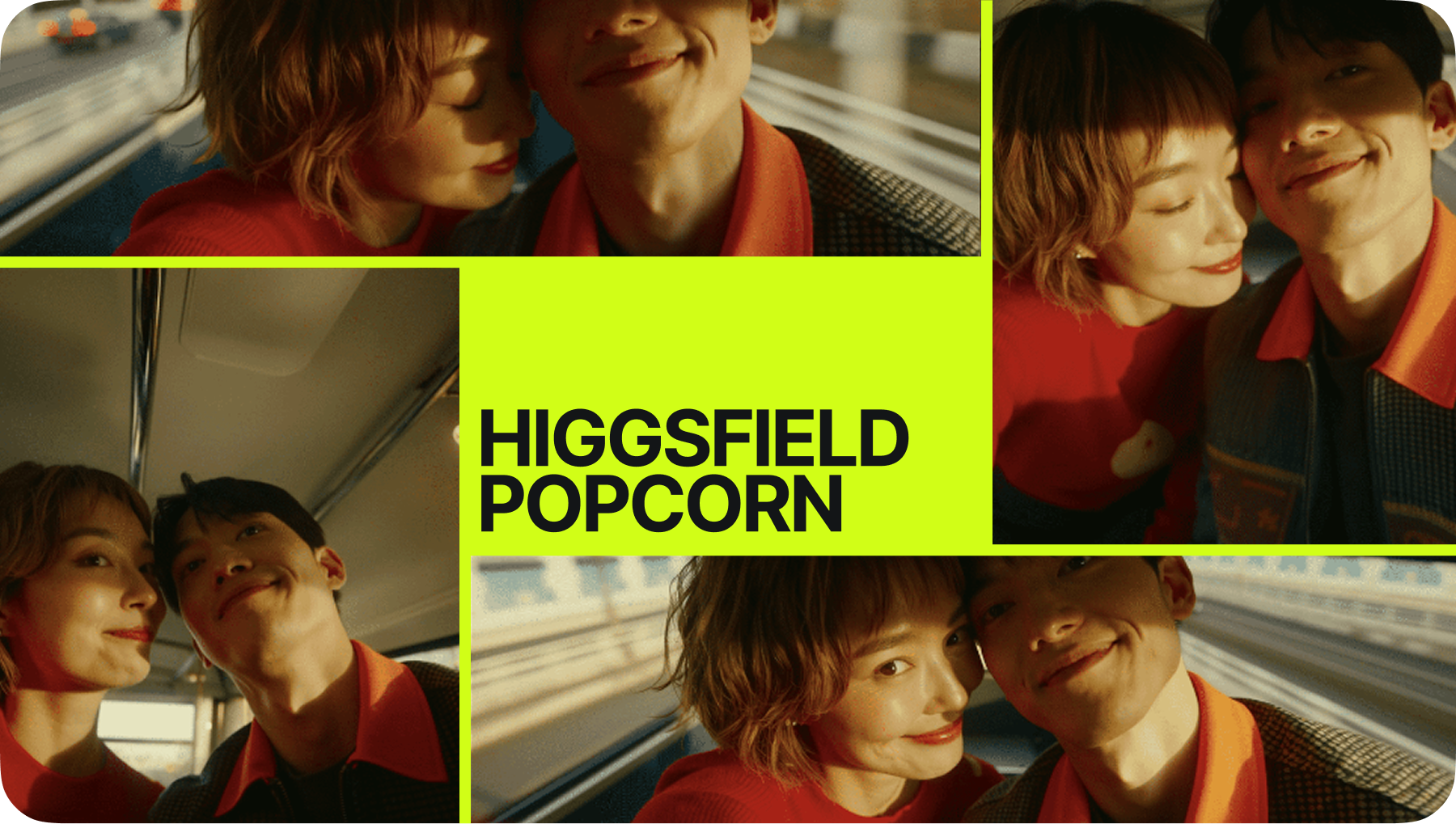
Turn any topic into a studio-quality video podcast without a mic or a camera. AI Podcast Generator writes, hosts, films, and clips full episodes in seconds from a single prompt or audio file. Try free.
Partnering with global industry leaders to power your creativity output
Created by community
PROMPT
Vertical 3:4 documentary podcast. Maya (terracotta sweater, dark wavy hair) and Leo (sage shirt, light stubble) chat about herb gardens at a light-oak table in a plant-filled studio with cool daylight. Ultra-realistic skin, breathing, and gestures. Four cuts: wide two-shot → medium Maya (tucks hair) → medium Leo (examines sprig) → wide two-shot. Handheld feel, film grain, native audio, no music or captions.
PROMPT
Vertical 3:4, 15-second podcast in a modern studio with sage-green walls and oak panels. Two original hosts: Maya (20s, dark curly hair, terracotta sweater) and Leo (30s, ash-blond, blue henley) discuss building houses on Mars. Photoreal, expressive, and active hand gestures; no headphones or camera address. Four hard-cut shots: wide establishing → medium Leo gesturing a dome → wide Maya writing a note → medium Maya tucking hair during Leo's voice-over. Native synced audio with room tone; no music, captions, or branding.
PROMPT
A 15-second podcast features two hosts in a sage-green and oak studio under 5500K daylight. A woman with chestnut hair in a cream sweater speaks with a man in a teal shirt at a walnut table. The four-shot video alternates between wide and medium angles, showing a notebook being picked up in the third shot. Features include natural gestures, micro-expressions, lip-sync, and no on-screen text.
PROMPT
Botanical studio podcast: Maya (Korean, cream sweater) and Leo (Latino, green shirt) discuss urban rooftop farming. Four hard-cut shots (wide and medium) feature natural gestures and photorealistic detail. Shot 1 (WIDE): Maya introduces city rooftop farming. Shot 2 (MID): Maya notes efficiency while tucking hair. Shot 3 (MID): Leo shows a fresh herb sprig. Shot 4 (WIDE): Maya closes on green cities as Leo nods. Includes native audio, lipsync, and room tone; no music or captions.
Generate a Podcast from Any Topic
AI Podcast Generator turns a topic, script, or plain prompt into a finished episode. Drop in one idea and it casts two lifelike hosts, writes the conversation, and films them talking in a real studio. Pick the tone, the guests, and the length, all from one input. Reference voices and brand notes guide the look, so every podcast matches your show with no recording session.
Generate a podcast from any topic
Generate a Podcast from Any Topic
AI Podcast Generator turns a topic, script, or plain prompt into a finished episode. Drop in one idea and it casts two lifelike hosts, writes the conversation, and films them talking in a real studio. Pick the tone, the guests, and the length, all from one input. Reference voices and brand notes guide the look, so every podcast matches your show with no recording session.
Generate a podcast from any topic
Clip and Publish Everywhere
AI Podcast Generator cuts your full episode into share-ready moments automatically. Pull the best lines into vertical Shorts, Reels, and TikToks with burned-in captions and speaker framing. Choose the hook, the aspect ratio, and the pacing, then export a whole campaign of clips from one recording. Every clip keeps the same hosts, voices, and branding so your feed stays consistent across every channel.
Clip and publish everywhere
Clip and Publish Everywhere
AI Podcast Generator cuts your full episode into share-ready moments automatically. Pull the best lines into vertical Shorts, Reels, and TikToks with burned-in captions and speaker framing. Choose the hook, the aspect ratio, and the pacing, then export a whole campaign of clips from one recording. Every clip keeps the same hosts, voices, and branding so your feed stays consistent across every channel.
Clip and publish everywhere
Put Your Podcast on Screen
AI Podcast Generator gives your audio podcast a face. Upload an episode or a voice track and it generates synced, photoreal hosts, real camera moves, and a styled set, frame to frame. Keep the same presenters, the same studio, and the same lighting across the whole episode. Element consistency carries between scenes, so a long-form video podcast stays seamless and on-brand from intro to outro.
Put your podcast on screen
Put Your Podcast on Screen
AI Podcast Generator gives your audio podcast a face. Upload an episode or a voice track and it generates synced, photoreal hosts, real camera moves, and a styled set, frame to frame. Keep the same presenters, the same studio, and the same lighting across the whole episode. Element consistency carries between scenes, so a long-form video podcast stays seamless and on-brand from intro to outro.
Put your podcast on screen
All the Features You Need for Podcast Generation
AI Podcast Generator writes, hosts, films, clips, and exports in one workflow. Topic to finished episode, publish ready. No stacked subscriptions. No timeline editing.
Topic to Podcast AI
AI Podcast Generator turns a single topic into a full hosted conversation. The hosts stay natural. The episode writes itself.
AI Podcast Script Writer
AI Podcast Generator drafts the whole episode from a brief. Hooks, banter, and segments included. Recreate any show format.
AI Video Podcast Generator
AI Podcast Generator films your hosts in a real studio. Synced lips, lifelike faces. Built for YouTube and feeds.
AI Podcast Clip Maker
AI Podcast Generator cuts highlights from one episode. Best moments pulled, captions added. Shorts and Reels ready.
AI Podcast Host Generator
AI Podcast Generator casts photoreal hosts and guests. Distinct voices, real gestures. A full cast without a studio.
AI Podcast Voice Generator
AI Podcast Generator gives every host a natural voice. Warm, expressive, on-brand. Cloned or generated in any language.
AI Audio to Video Podcast
AI Podcast Generator turns an audio episode into video. Hosts appear on screen, lips synced. No camera needed.
AI Podcast Captions & Subtitles
AI Podcast Generator captions and subtitles every clip. On-screen text styled for social. Subtitles in any language.
AI Podcast Video Upscaler
AI Podcast Generator pushes your episode to 4K. Detail sharpened, not invented. Broadcast and stream ready.
AI Podcast Audio Enhancer
AI Podcast Generator cleans voices, levels, and room tone on any track. Noise and hiss removed. Every host sounds professionally mixed.
AI Podcast Background Generator
AI Podcast Generator builds or swaps the studio set in motion. Branded backdrop or generated scene. Edges stay clean.
AI Podcast Video Resizer
AI Podcast Generator reframes your episode to any ratio. 1:1, 16:9, 9:16, and 4:5. Tracked and centered for every channel.
How to Make an AI Podcast?
Man in a brown leather jacket on a card, over a dark interface with a plus sign and a hand icon.
Pick Your Topic
Drop in a topic, paste a script, or upload an audio episode. It reads the subject, tone, and length, then casts your hosts.
Dark text box with the prompt "Describe the scene you..." and a button labeled "Enhance on" at the bottom.
Direct the Episode
Choose the hosts, the studio, and the pacing, or tweak the script line by line. Refine with a reference voice, show, or preset.
A large explosion lights up a mountainous landscape at night, with a winding road in the foreground and trees silhouetted against the flames.
Export and Publish
Render your video podcast up to 4K in seconds. Resize for any channel, add captions and subtitles, and batch a season of clips.
AI Podcast Generator brings every leading video model into one workspace. Switch models per scene, compare host performances side by side, and pick the best take, all under one subscription with new releases added as they launch.
kling logo
Kling 3.0
Use Kling 3.0, the unified multimodal engine, for native lip-sync, multi-shot episode storyboarding, and lifelike host performance in one architecture.
Higgsfield is the all-in-one AI Podcast Generator with 15+ top models, real camera control, and a full production pipeline in one subscription. From topic-to-episode and video podcasts to branded shows, repurposed clips, and audio-to-video, it turns a single prompt or audio file into a polished, publish-ready episode in seconds without a mic. That's why it powers millions of generations a day for 25M+ brands and creators.
Generate Video Podcasts from a Topic
Generate Video Podcasts from a Topic
AI Podcast Generator builds full video episodes for creators, hosts, and media teams. It covers topic-to-episode scripting, two-host casting, studio scenes, b-roll, and batch episode generation. Higgsfield AI Podcast Generator delivers a complete video podcast from one prompt, replacing the cost and delay of a studio recording.
Produce Branded and Internal Podcasts
Produce Branded and Internal Podcasts
AI Podcast Generator creates on-brand shows for marketing teams, agencies, and enterprises. It covers branded sets, custom host voices, internal updates, training episodes, and localized versions. Higgsfield AI Podcast Generator ships consistent, on-brand episodes at scale, with no booking, travel, or crew.
Repurpose Episodes into Clips
Repurpose Episodes into Clips
AI Podcast Generator turns one long episode into a feed of short clips for social teams, editors, and creators. It covers highlight detection, vertical reframing, captions, hook variations, and batch clip export. Higgsfield AI Podcast Generator multiplies every episode into platform-native Shorts, Reels, and TikToks in minutes.
Turn Audio Podcasts into Video
Turn Audio Podcasts into Video
AI Podcast Generator gives existing audio shows a visual upgrade for podcasters, networks, and labels. It covers audio-to-video hosts, synced lip movement, styled studios, animated waveforms, and full-episode rendering. Higgsfield AI Podcast Generator puts any audio podcast on screen in one click, ready for YouTube and social.
A Platform Trusted By 25 Million Creators
Join a global creative network where people generate AI podcasts, share insights, and inspire each other every day.
We replaced our entire recording setup. Twelve full video episodes, all on-brand, in a single afternoon.
Turning my audio show into video doubled my reach. Every episode now has a YouTube version, with no camera.
Every model in one place is the killer feature. I compare Kling and Sora on the same host scene instantly.
The branded episodes match what we used to outsource to a production house. At a fraction of the cost.
Trusted by 25M+ people worldwide
Got any questions left?
We’ve answered the most frequently asked questions
What is an AI Podcast Generator?
An AI Podcast Generator turns a topic, script, or audio file into a finished podcast episode. Higgsfield writes the conversation, casts photoreal hosts, films them in a studio, and clips the episode for social, all from one prompt.
What is the best AI Podcast Generator?
Higgsfield is the all-in-one AI Podcast Generator, combining 15+ top video models, real camera control, host casting, voices, captions, and clip export in a single subscription, so you go from idea to published episode without extra tools.
How do AI Podcast Generators work?
You give a topic, script, or audio track. The model writes or reads the dialogue, generates lifelike hosts with synced lips and natural voices, films them in a chosen studio, then exports the full episode and short clips ready to publish.
How do I make a podcast with Higgsfield?
Pick a topic or upload audio, choose your hosts and studio, then direct the pacing and tone. Higgsfield generates the video episode in seconds. Resize, caption, and batch clips for every channel before you publish.
How do I write a good podcast prompt?
Describe the topic, the host personalities, the tone, and the episode length. Add a reference show or voice if you have one. The clearer the brief, the more natural and on-brand the conversation.
Will anyone know the podcast was made with AI?
Higgsfield produces photoreal hosts, natural voices, and synced lip movement that read as a real studio recording. You control how stylized or lifelike the final episode looks.
Can Higgsfield generate and edit podcasts?
Yes. Higgsfield generates the full episode and also enhances audio, swaps backgrounds, adds captions, reframes for any ratio, and cuts highlight clips, all in one workflow without timeline editing.
Which model should I use?
It depends on the scene. Use Kling 3.0 or Veo 3.1 for lifelike speaking hosts, Sora 2 for cinematic studio scenes, Higgsfield Soul to lock host identity, and Minimax for fast clip-style episodes. Compare them side by side.
Can I create branded and internal podcasts?
Yes. Higgsfield builds on-brand shows with custom sets and voices for marketing, training, and internal updates, then ships consistent episodes at scale and localizes them into other languages in one click.
Do I need to download software?
No. Higgsfield runs in your browser. Generate, edit, caption, clip, and export your video podcast online, then download or publish, with nothing to install.
Get insights from experts blog
Get the insights you need. Our experts share actionable hacks, break down the hottest topics, and provide essential how-to guides to help you build, optimize, and scale.
:no_upscale())


:no_upscale())
:no_upscale())
:no_upscale())
:no_upscale())

:no_upscale())

:no_upscale())

:no_upscale())

:no_upscale())

:no_upscale())
:no_upscale())

:no_upscale())