PROMPT
Create a seamless looping website background featuring layered papercut animation with subtle, calming parallax motion and identical colors.
:no_upscale())
Change any video background without the green screen. AI Video Background Changer replaces backgrounds behind any subject in seconds. Try free.
Partnering with global industry leaders to power your creativity output


AI Video Background Changer turns existing footage into the same scene with a new backdrop in seconds. Upload your clip, pick a setting, and it swaps the background while keeping your subject sharp. Studio, office, beach, city, or fantasy world, all from one upload. Lighting and shadows match the new scene, with no green screen needed.
AI Video Background Changer turns existing footage into the same scene with a new backdrop in seconds. Upload your clip, pick a setting, and it swaps the background while keeping your subject sharp. Studio, office, beach, city, or fantasy world, all from one upload. Lighting and shadows match the new scene, with no green screen needed.
AI Video Background Changer delivers every backdrop in one workflow. Clean studio, blurred bokeh, branded color, outdoor location, cinematic mood, or generated scene in a click. Adjust depth, blur, and brightness. The new backdrop blends with your subject, so the clip looks shot on location, not edited in post.
AI Video Background Changer delivers every backdrop in one workflow. Clean studio, blurred bokeh, branded color, outdoor location, cinematic mood, or generated scene in a click. Adjust depth, blur, and brightness. The new backdrop blends with your subject, so the clip looks shot on location, not edited in post.
AI Video Background Changer handles every detail a clean swap needs. Hair, fingers, and motion edges held precise across frames. The subject stays locked while the world behind shifts. Skin tone, lighting, and color tuned to match the new scene, so the swap reads natural even on close-ups and quick movement.
AI Video Background Changer handles every detail a clean swap needs. Hair, fingers, and motion edges held precise across frames. The subject stays locked while the world behind shifts. Skin tone, lighting, and color tuned to match the new scene, so the swap reads natural even on close-ups and quick movement.
Generate, loop, style, brand, and export in one workflow. Prompt to seamless background, publish ready. No stacked subscriptions. No stock libraries.
AI Video Background Changer cuts the subject out frame by frame. Transparent ready. Clean for compositing.
AI Video Background Changer drops your subject onto any scene. Studio, outdoor, or generated. Setting in one click.
Generate nature, city, studio, and space backdrops. Living and atmospheric. Any setting behind you.
Keep motion calm and non distracting. Focus stays on your content. Ambient, never busy.
Leave room for text or a presenter. Center kept clear and readable. Built to layer on top.
Generate chroma ready backdrops. Drop a subject in front. No green screen needed.
Generate for any ratio and screen. Vertical, square, wide, ultrawide. Framed for every display.
Match your brand colors and motifs. On brand every time. Consistent across assets.
Generate matching backgrounds in a batch. Deck, stream, and site aligned. One look, many uses.
Lift resolution up to native 4K. Crisp on the biggest screens. Clarity edge to edge.
Export lightweight, compressed loops. Fast on any website. Quality without the weight.
Reframe background to any aspect ratio. 16:9, 9:16, 1:1, 21:9, and more. Ready for every platform.
:no_upscale())
Start with a prompt, or upload an image. Name the style, motion, and mood. The generator builds a seamless loop and powers every frame.
:no_upscale())
Choose the ratio, motion level, and safe zone. Match your brand, keep it subtle or bold, and refine until it fits behind your content.
:no_upscale())
Render a seamless loop in native 4K in minutes. Export lightweight for the web, reframe for any screen, and drop it behind your slides.
Generate seamless background videos with every major AI model in one place. Switch between every model per generation, all under one subscription, with new releases added as they launch.
:no_upscale())

Use Soul 2.0 for ultra realistic scenic backdrops and detail.
Generate:no_upscale())

Explore Sora 2 for cinematic background scenes with native sound.
Generate:no_upscale())

Use Veo for precise, fluid motion and lifelike backdrops.
Generate:no_upscale())

Use Kling for clean, smooth motion across looping scenes.
Generate:no_upscale())

Use Seedance for coherent, dynamic motion backgrounds.
Generate:no_upscale())

Use Hailuo for fast, affordable backgrounds, ready in moments.
GenerateHiggsfield is the all in one AI Background Video Generator with 15+ top models, 70+ cinematic presets, and a full prompt to export pipeline in one subscription. From stream and call backdrops to slide, website, and stage backgrounds, it turns a prompt into a seamless looping background in minutes without stock libraries. That's why it powers millions of videos a day for 25M+ users.
AI Video Background Changer cleans up calls for remote teams, presenters, and educators. It covers Zoom and Meet backdrops, webinar backgrounds, branded virtual sets, and on-brand call looks. Higgsfield Video Background Changer ships a polished call backdrop in minutes, no studio or green screen required.
AI Video Background Changer rebuilds backgrounds for YouTubers, creators, and social teams. It covers talking-head videos, vlog backdrops, faceless channel scenes, and reels. Higgsfield AI Video Background Changer delivers platform-native swaps in seconds, no edit suite required.
AI Video Background Changer swaps backdrops for marketers, agencies, and DTC brands. It covers UGC ad scenes, product backdrops, lifestyle settings, and A/B variants. Higgsfield AI Video Background Changer ships fresh ad scenes the same day, no location shoot required.
AI Video Background Changer creates story scenes for filmmakers and storytellers. It covers cinematic locations, fantasy worlds, period settings, and impossible places. Higgsfield Video Background Changer delivers feature-grade backdrops in minutes, no set or travel required.
Join a global creative network where people generate AI images, share insights, and inspire each other every day.

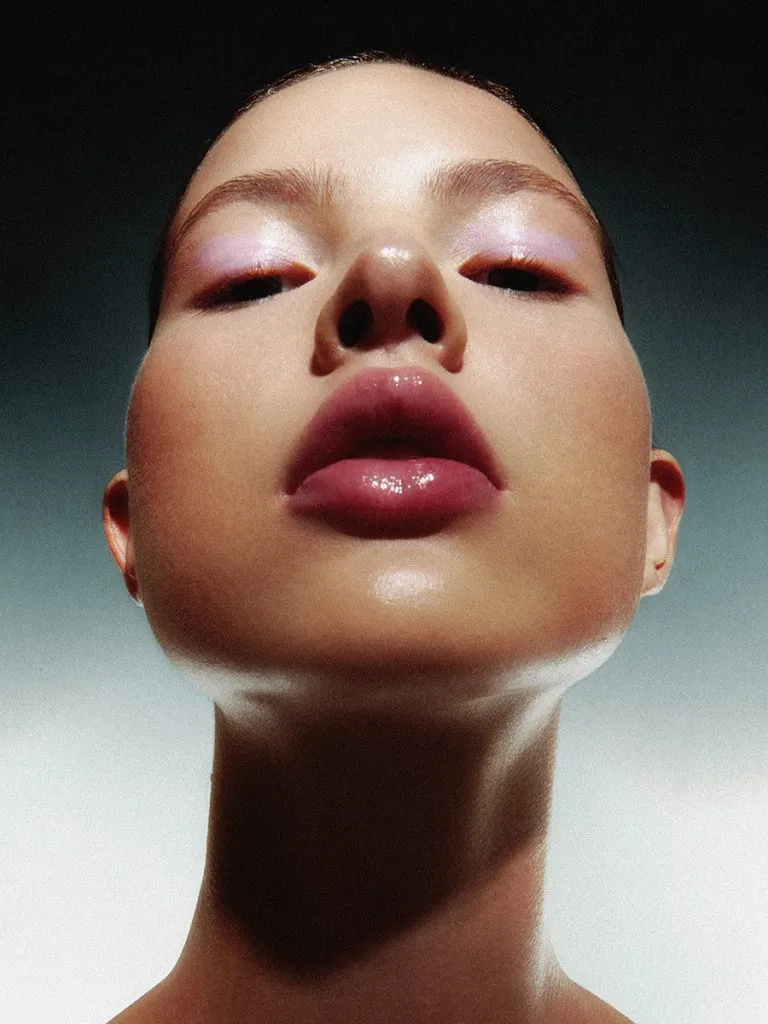
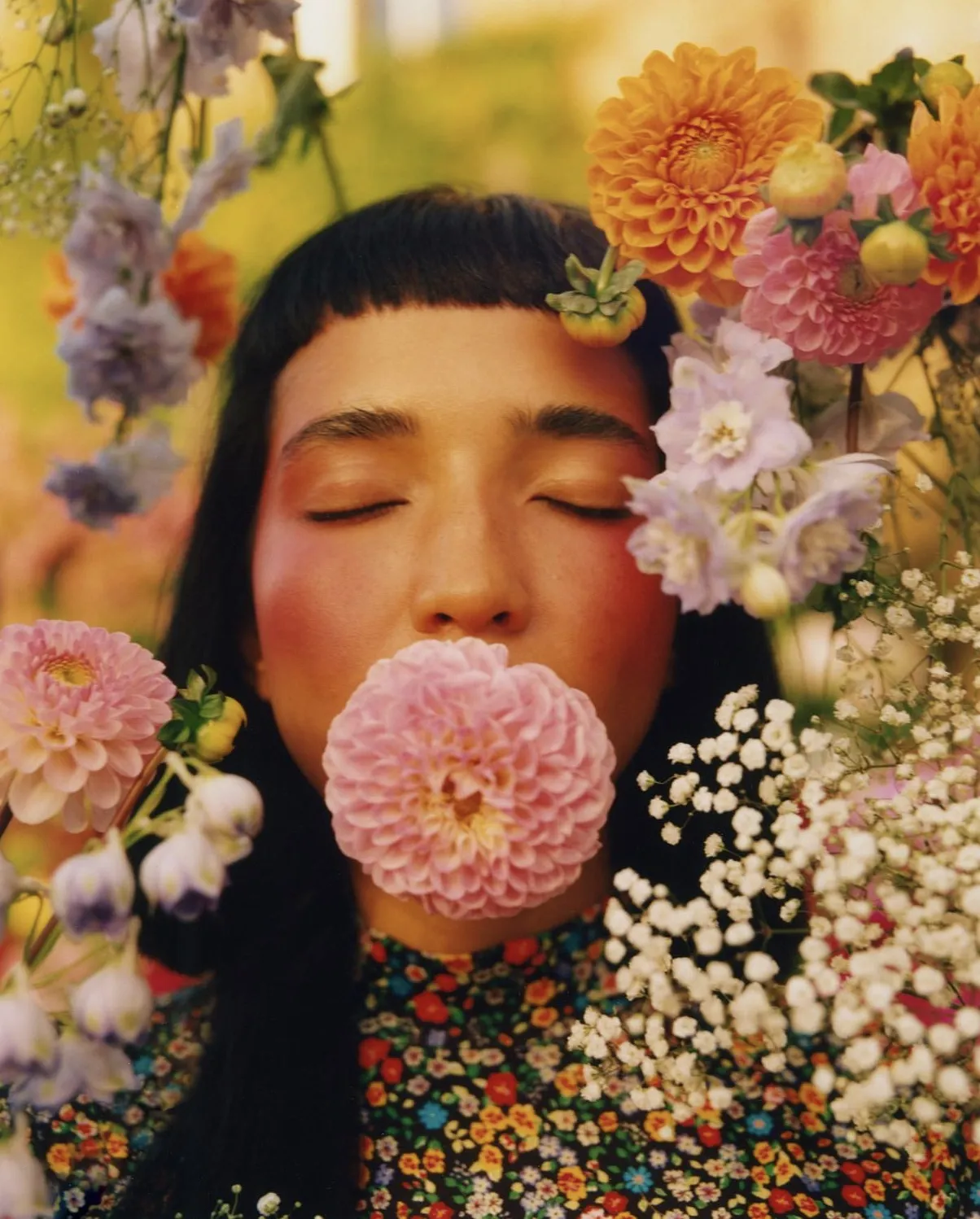
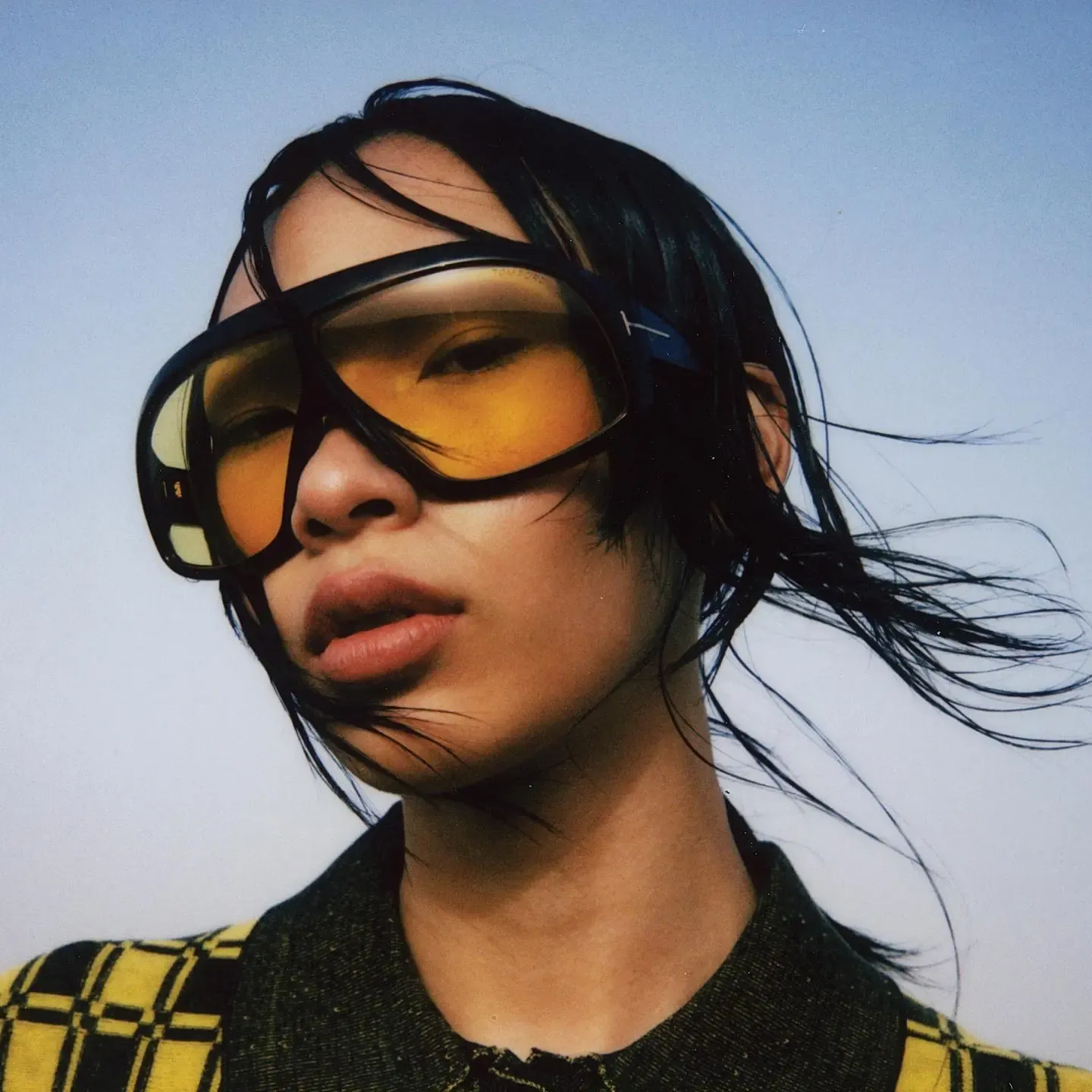
Trusted by 25M+ people worldwide
We’ve answered the most frequently asked questions






:no_upscale())

:no_upscale())
